Use cases
Eighteen ways to create with FLUX 3
Explore product photo editing and advertising poster workflows, plus eighteen example prompts across marketing, design and image editing. Adapt the prompts and review every result before use.
Text-to-image
Generate from a prompt
Describe what you want in plain language. These nine patterns cover the most common generation jobs.
Text-to-image
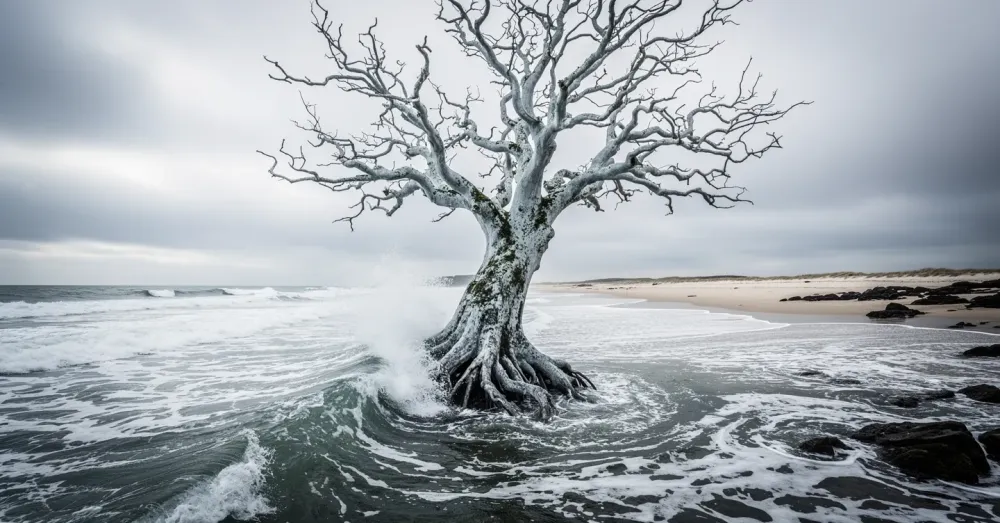
Photorealistic
Render believable scenes with dramatic natural settings, atmospheric light, and fine detail.
Prompt
At high noon on a blustery day, capture the surreal presence of a sentient tree, seemingly rooted underwater just off a tumultuous ocean shore.
Text-to-image
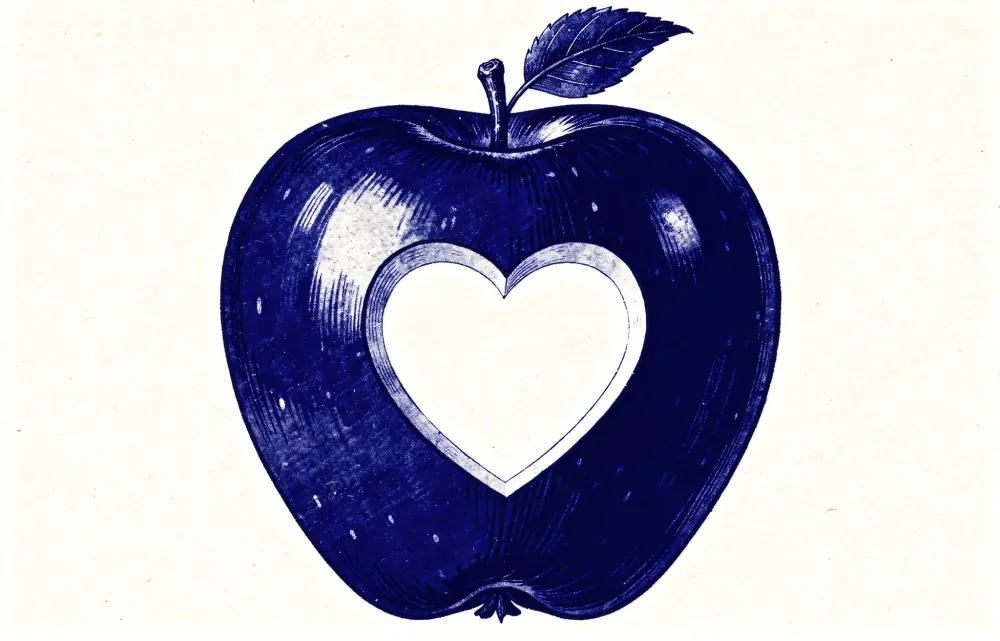
HEX color prompting
Take precise control of color by naming exact hex values directly inside the prompt.
Prompt
A vintage illustration of an apple in color #0047AB with a heart-shaped cutout in the middle, on a white background
Text-to-image
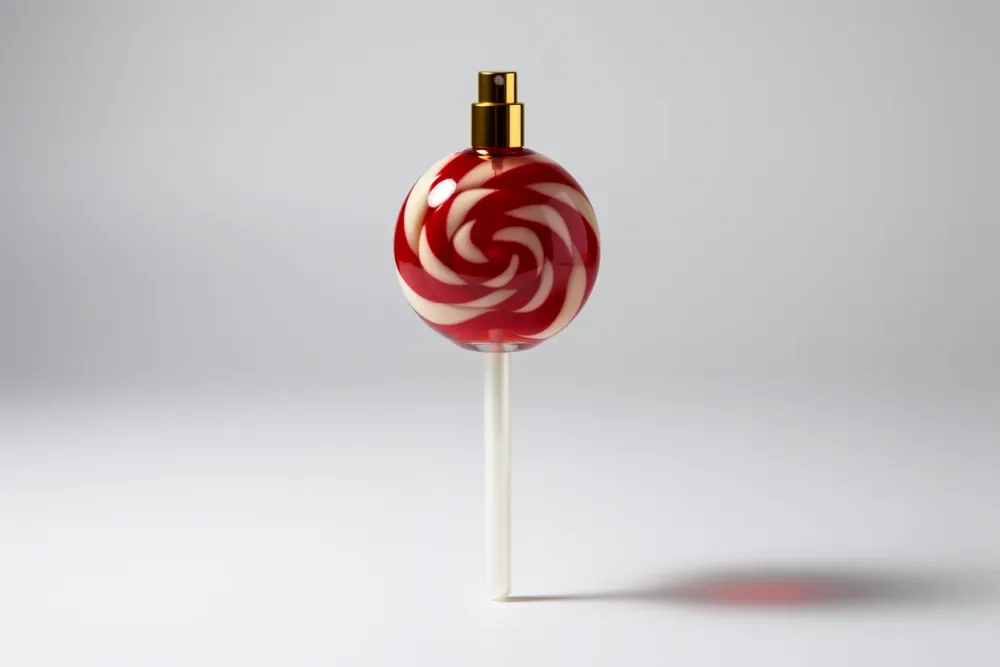
Product mockups
Explore conceptual product designs without building a single physical prototype.
Prompt
Create a perfume bottle designed in the shape of a lollipop, with glossy candy-like texture, a stick handle, and elegant perfume-bottle detailing.
Text-to-image
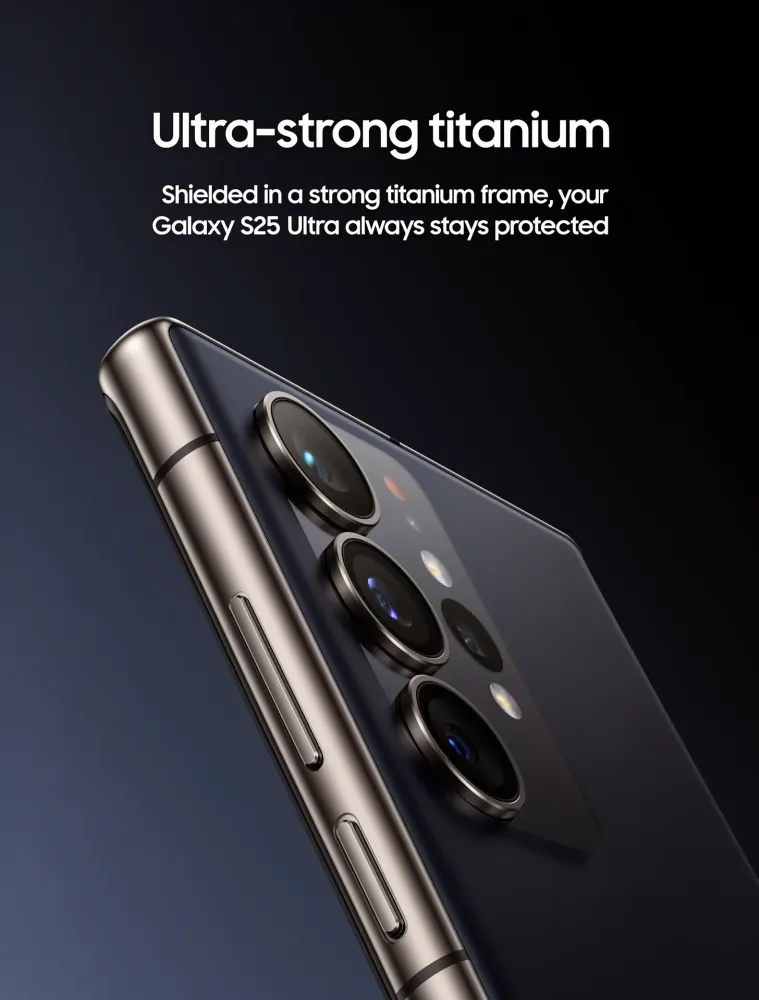
Typography & design
Combine legible headlines with polished, ad-ready layouts and product imagery.
Prompt
Samsung Galaxy S25 Ultra product advertisement, 'Ultra-strong titanium' headline, close-up of phone edge showing titanium frame, dark gradient background
Text-to-image
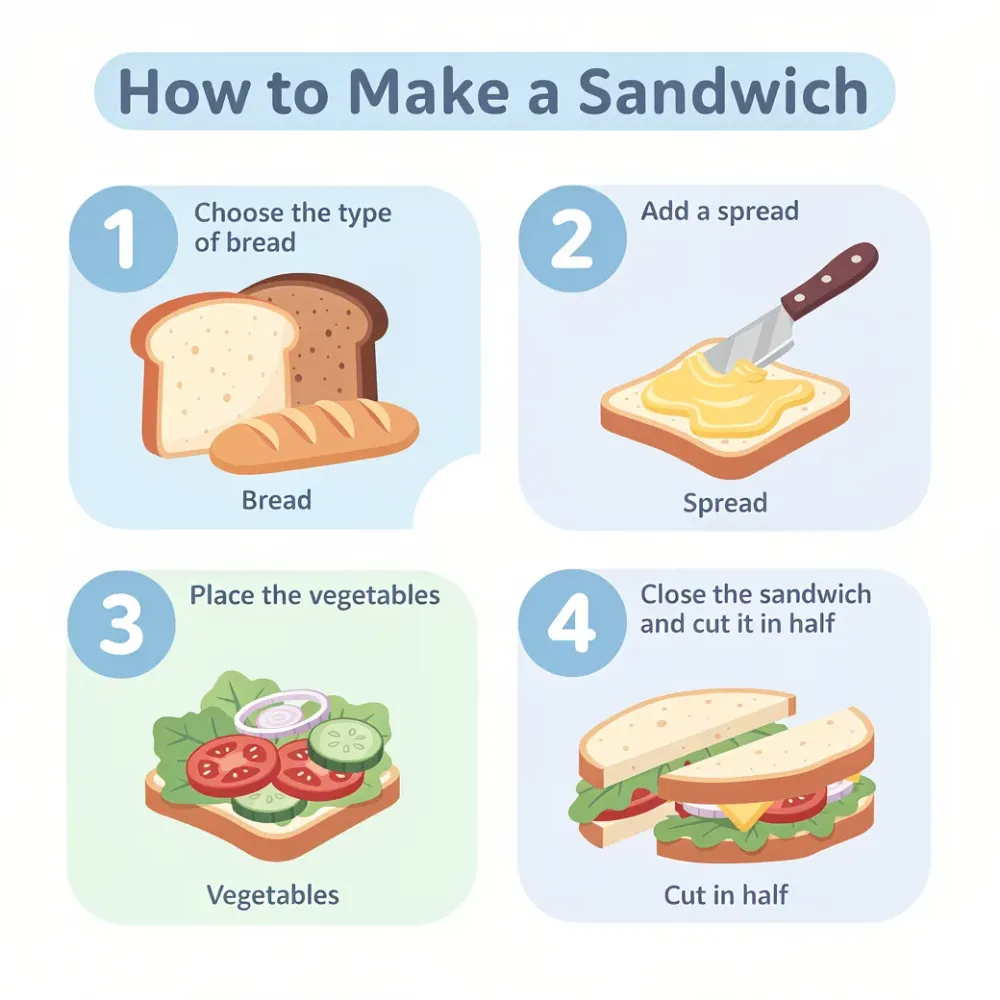
Infographics
Produce structured, informational visuals — step-by-step diagrams with simple icons.
Prompt
Create a clear colorful infographic that explains step by step how to make a sandwich. Use simple icons and minimal text.
Text-to-image
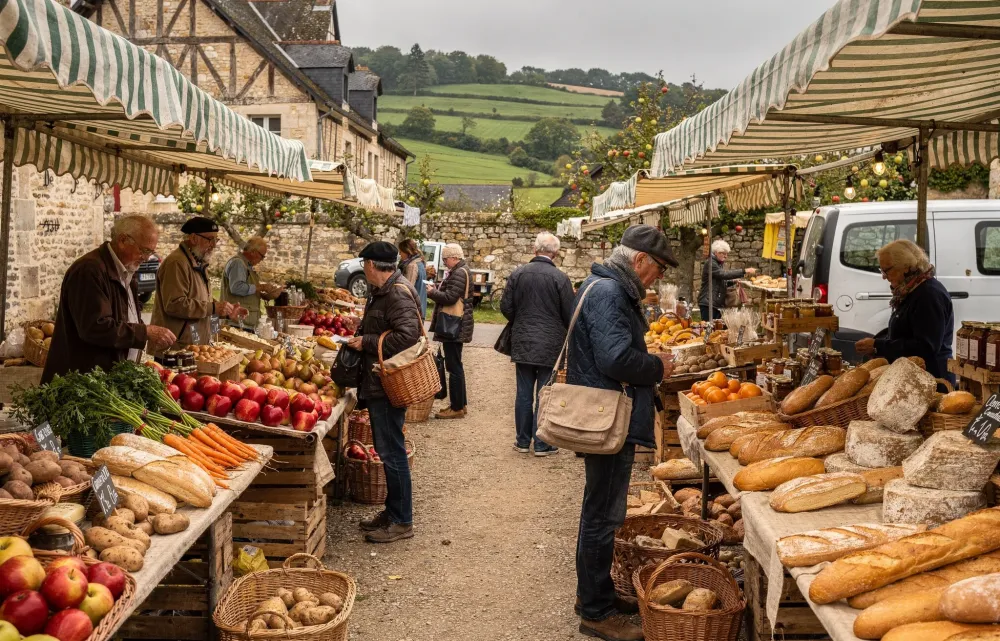
Multi-language
Prompt in languages other than English to generate culturally grounded imagery.
Prompt
Un marché alimentaire dans la campagne normande, des marchands vendent divers légumes, fruits. Lever de soleil, temps un peu brumeux
Text-to-image
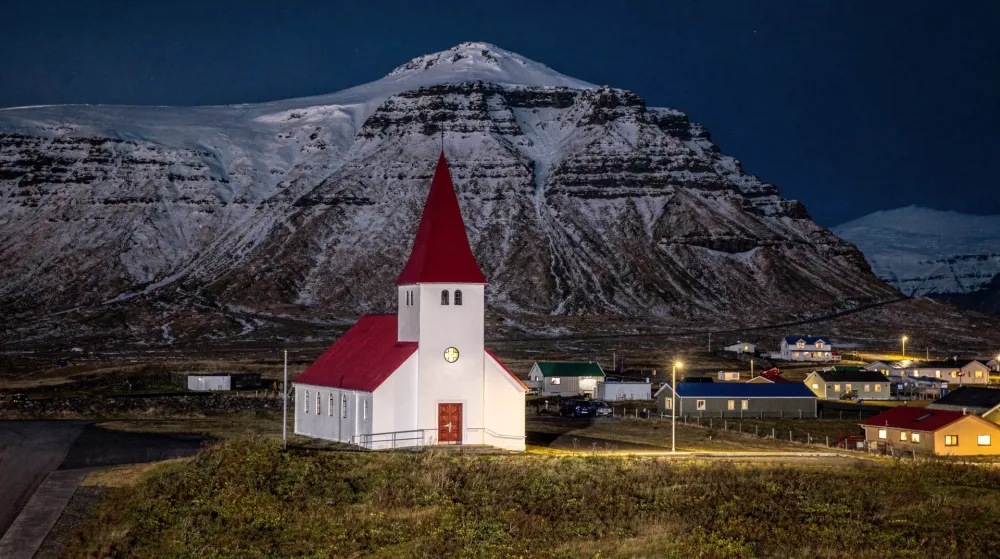
World knowledge
Lean on the model’s grasp of geography and culture to render recognizable places.
Prompt
Iconic Icelandic landscape with volcanic terrain and northern lights
Text-to-image
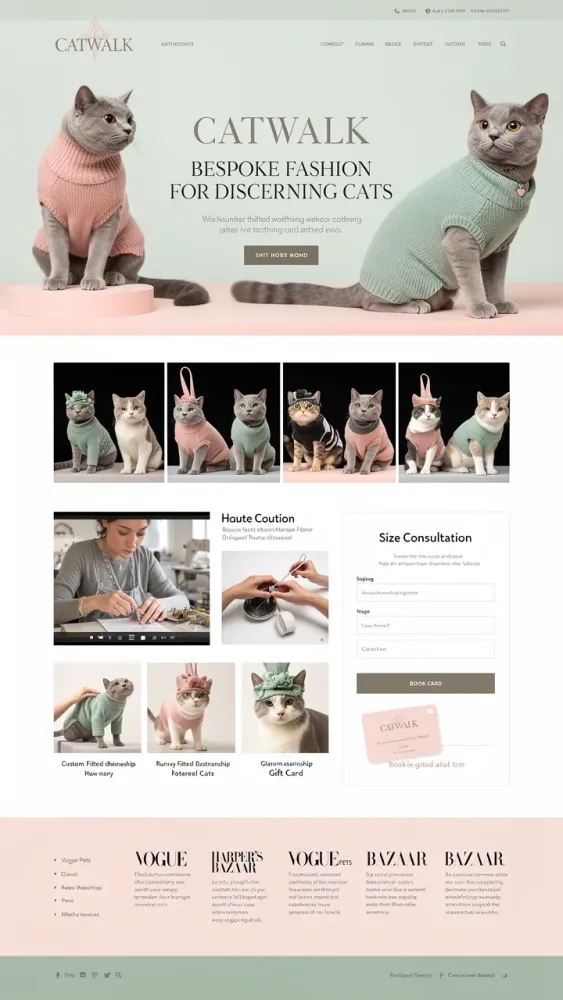
UI mockups
Prototype web and app interface concepts visually, in seconds.
Prompt
Sophisticated landing page for 'Catwalk' artisanal cat clothing brand featuring British Shorthair wearing custom-fitted cashmere sweater
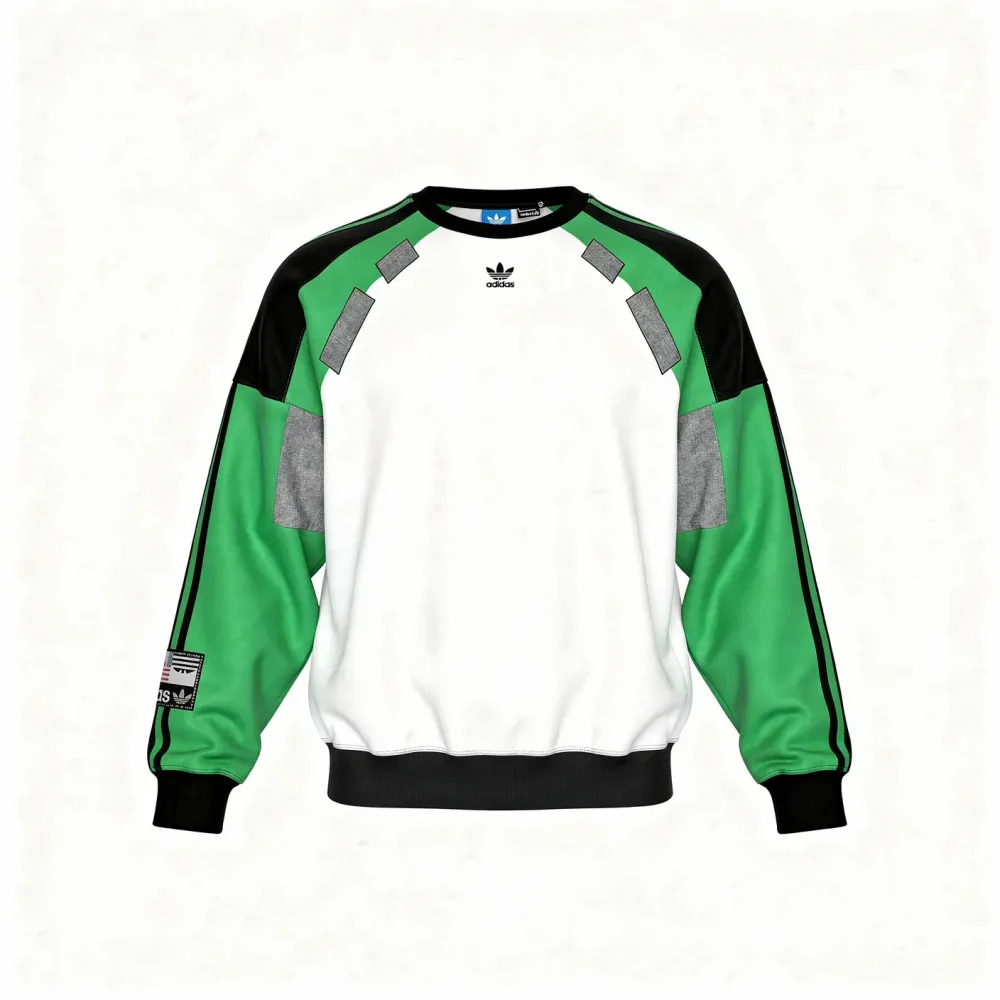
Text-to-image
JSON prompting
Use structured data to drive granular control over individual output attributes.
Prompt
Structured JSON prompt for precise brand color matching on an Adidas sweatshirt — each component assigned an exact hex color.
Editing
Edit an image you already have
Feed FLUX 3 one or more reference images and describe the change. These nine patterns cover the most common editing jobs.
Editing
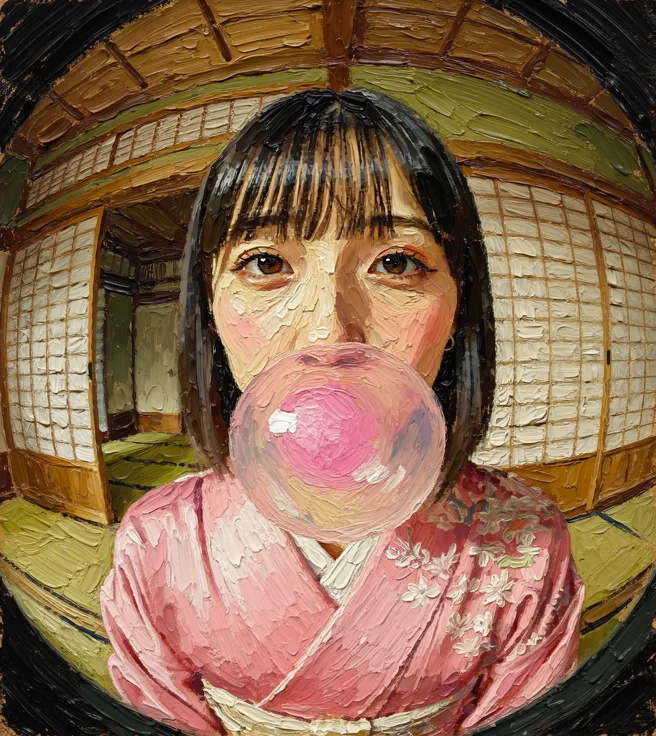
Style transfer
Apply a distinct artistic medium or style to an existing photograph.
Prompt
Turn the image into an oil painting with thick, textured brushstrokes
Editing
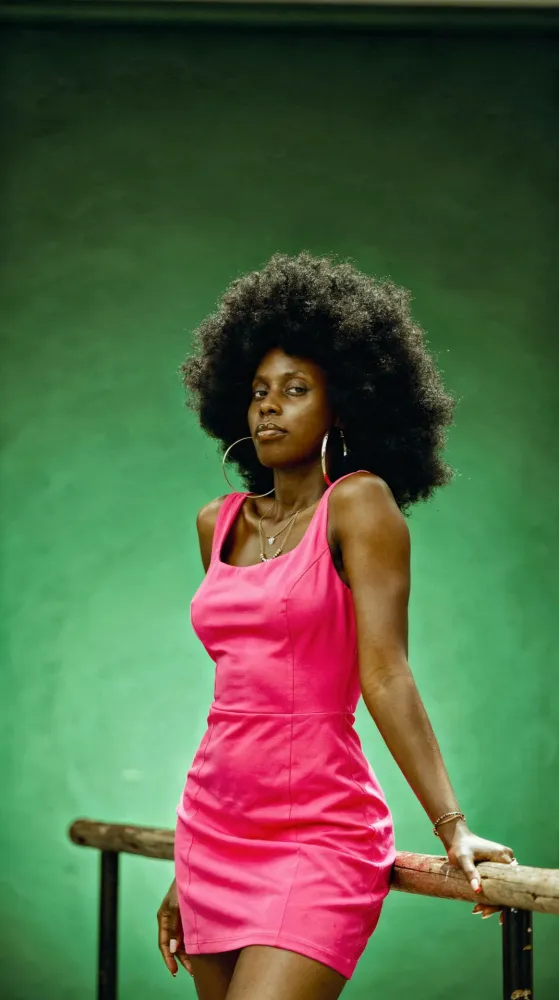
Virtual try-on
Swap garments on an existing subject for fashion and retail workflows.
Prompt
Change the woman's outfit to a bold fuchsia pink dress against a green studio gradient background.

Editing
Drawing to image
Turn hand-drawn sketches and illustrations into photoreal renders.
Prompt
Turn the drawing into a realistic photograph
Editing
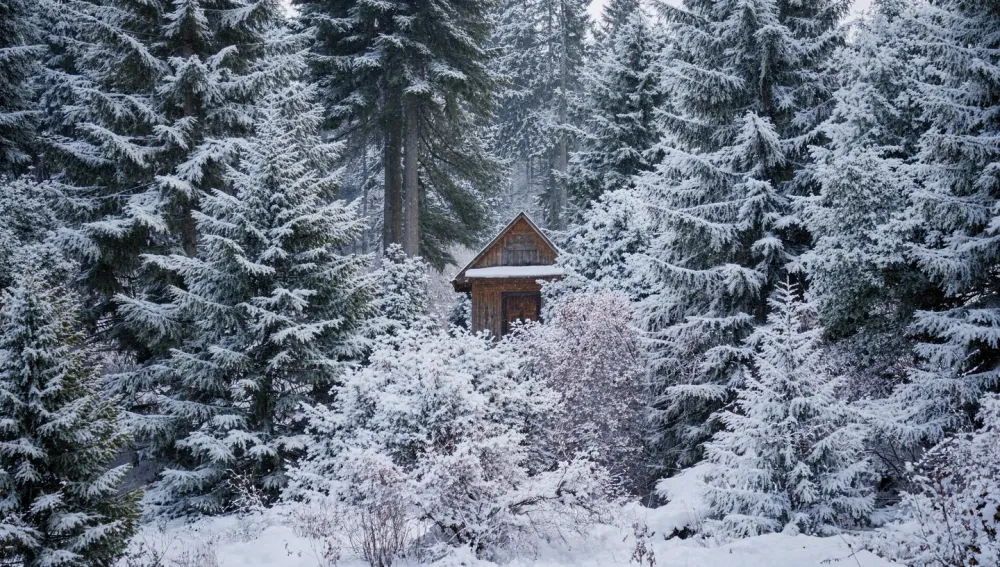
Lighting & weather
Change the season, weather, or lighting within an existing scene.
Prompt
Change this to Winter
Editing
Product consistency
Keep brand identity intact by applying logos and assets onto product surfaces.
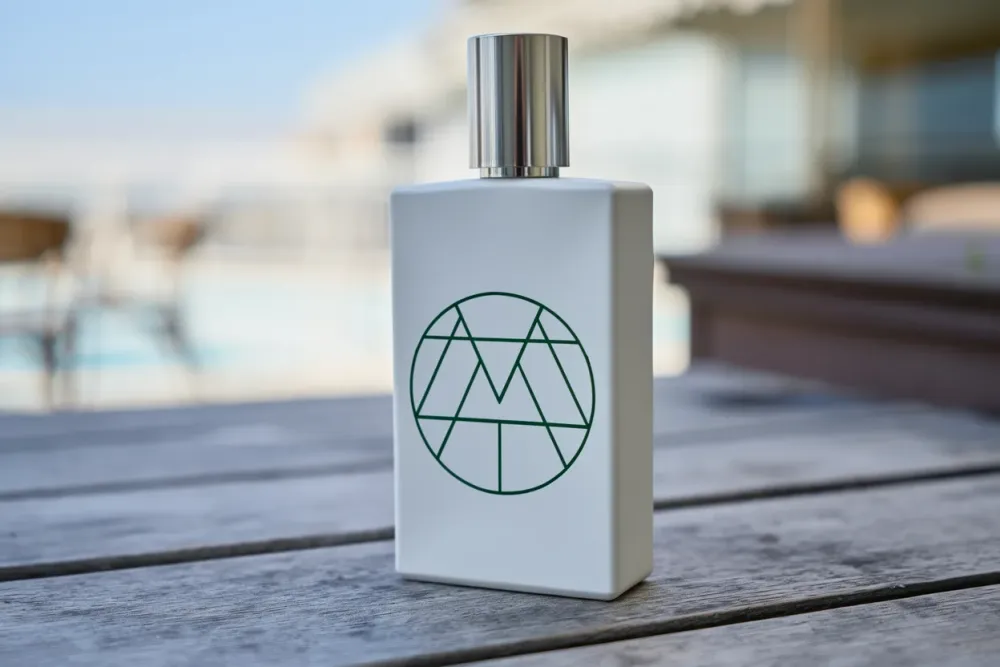
Prompt
Use this logo on a perfume bottle designed in the shape of a takeaway coffee cup. Make the logo appear naturally printed on the bottle.
Editing
Interior design
Visualize renovation and redesign changes inside existing interior photos.
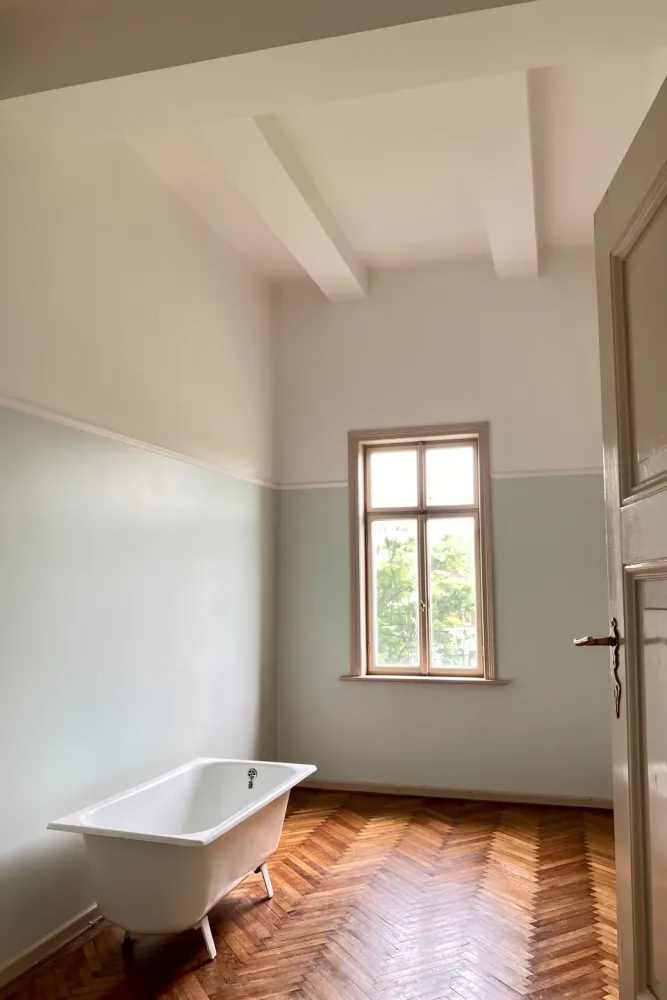
Prompt
The room is repainted and on the floor there is rustic wooden parquet
Editing
Object removal
Cleanly erase unwanted elements while preserving the surrounding scene.
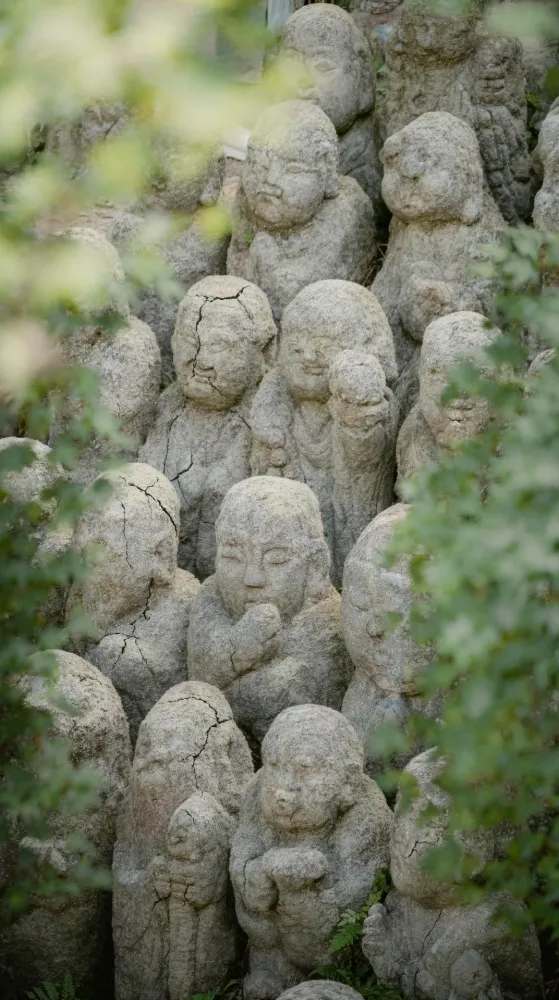
Prompt
Remove all vegetation moss and greenery from the statues. Keep only the original stone structure.
Editing
Multi-image compositing
Combine elements drawn from several source images into one coherent result.
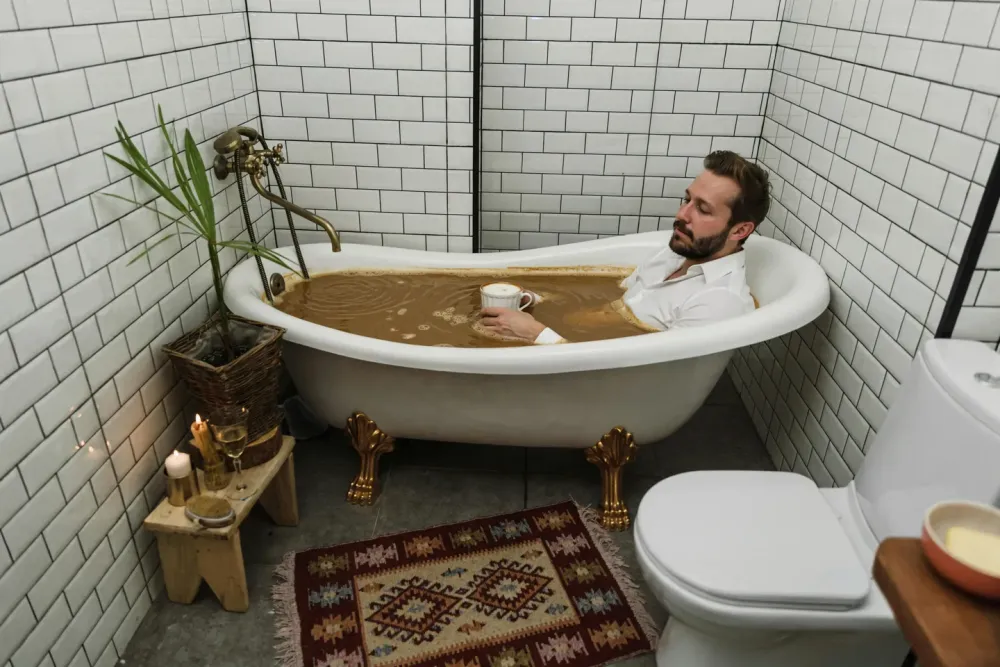
Prompt
Take the coffee liquid from image 2 and fill the bathtub from image 1, then place the person from image 3 inside.
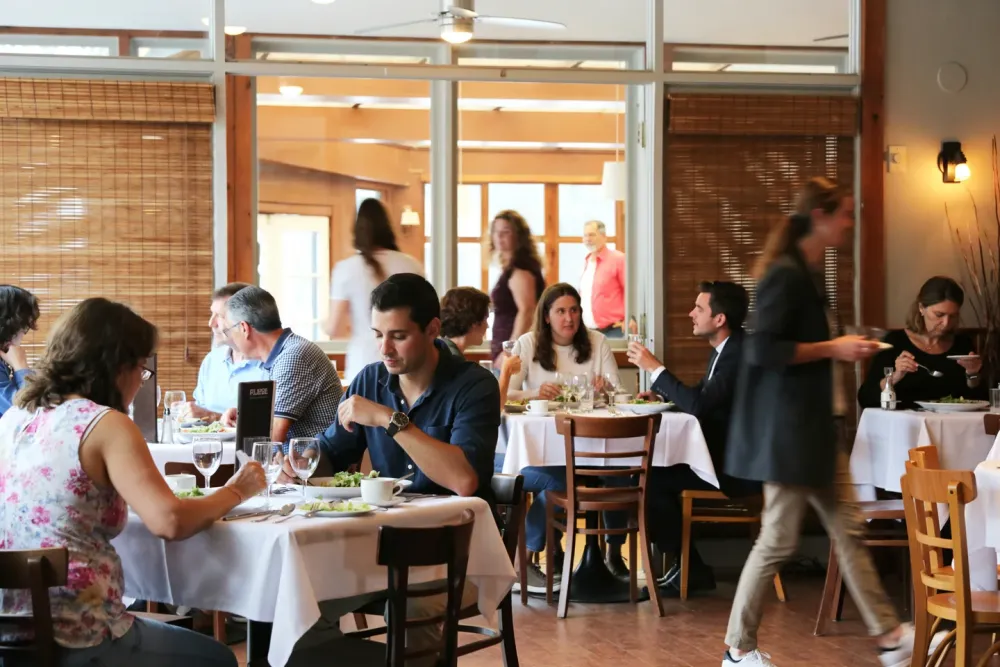
Editing
Person in scene
Populate an empty or sparse environment with realistic figures and activity.
Prompt
Add visitors to the restaurant. Some should be sitting and eating, some walking with slight motion blur.
E-commerce workflow
Edit product photos for an online store
Use a real product photograph as the reference when the item needs to remain recognizable. Text-to-image is useful for a concept, but it is not evidence of what a real product looks like.
Step 1
Prepare the input
Choose a clear, well-lit photograph you have permission to use. Keep the entire product visible, including its edges, cap, handles and label. Decide which background or lighting detail should change and which product details must stay unchanged.
Step 2
Choose the task and settings
In the studio, select Image Edit and FLUX.3 Image Edit, then upload the photograph. Start at 1K and 1:1 for a square listing concept, or 3:4 for a portrait placement. FLUX.3 offers 1K, 2K and 4K. Klein Edit and Klein Base Edit are alternative models with 768, 1K, 1.5K, 2K and 4K choices; compare them on the same input rather than assuming they preserve it identically.
Step 3
Iterate on one change
First test the background change. If it works, adjust only the shadow or lighting in the next prompt. Return to the original photograph when the product drifts. Choose 2K or 4K when you need a larger output and check the displayed credit total before generating again; a larger setting does not repair an inaccurate product.
Step 4
Check before publishing
Compare the result with the source at full size: product geometry, proportions, color, material, label spelling, logos and small print can change. Check contact shadows and edges too. Do not publish an image that misrepresents the item. If exact labels or geometry cannot be retained, use the original photograph and finish with a conventional image editor.
Example prompt to adapt
Edit the uploaded product photograph. Replace only the background with a warm off-white studio backdrop and a subtle contact shadow beneath the item. Keep the product in the same position and preserve its shape, proportions, material, color, logo and all label text. Soft light from the upper left. No extra objects or added text.
Reference-guided editing is generative, not a guaranteed pixel-preserving retouch. These instructions describe the desired edit, not a verified before-and-after result.
Advertising workflow
Create an advertising poster concept
Start with the campaign message, placement and a short headline. Generate a visual direction, then review the image and copy separately before treating it as an advertisement.
Step 1
Prepare the brief
Write down the audience, subject, palette, exact headline and intended placement. Keep the headline short. If a real product must appear, prepare an approved product photo and use Image Edit rather than asking text-to-image to reconstruct it from a description.
Step 2
Choose the task and settings
For a new concept, select Text to Image and FLUX.3 Image at 1K. Choose 3:4 for a portrait poster or 9:16 for a vertical ad. FLUX.3 also offers 2K and 4K. To compare directions, Klein or Klein Base support these aspect ratios and resolutions from 768 through 4K. With an existing poster or product reference, switch to Image Edit and the corresponding Edit model.
Step 3
Iterate on layout, then copy
Review the first composition at 1K. Change one instruction at a time, such as moving the subject lower or leaving more space around the headline. Use a chosen result as an Image Edit reference to request a focused revision, but recheck the whole image afterward. Generate at 2K or 4K only when the layout is worth taking further.
Step 4
Proofread and prepare delivery
Read every letter, number, price and date at full size. Check spelling, duplicate words, contrast, margins and whether the headline remains legible at the actual ad size. Compare any product with its reference. For exact typography, logos or legal copy, generate an image without text and add approved copy in a design editor. Confirm final dimensions, bleed and color requirements separately for print.
Example prompt to adapt
Create a portrait 3:4 advertising poster concept for a fictional sparkling water campaign. A chilled unbranded silver can in the lower half, lime slices and small water droplets, deep green background, soft directional studio light. Leave generous clear space at the top. The only text is the large headline "FRESH START" in white, with strong contrast and wide margins. No logo, prices or other text.
Generated text may be misspelled or misplaced, even when quoted. A 4K image is not automatically print-ready, and a generated concept is not a guarantee of product accuracy or advertising compliance.
Keep learning
New to prompting? Start with the basics
The prompt guide walks through natural language, rendering text, iterating on results, and using reference images.
Read the prompt guideMake your next image with FLUX 3 Image
FLUX.3 Image, Klein and Klein Base are ready in the studio. Generate from a prompt or start editing with references today.
Start creating free