Prompt guide
How to write prompts for FLUX 3
A prompt is how you tell FLUX 3 what to make — the subject, its look, the mood, and the style. This guide covers the fundamentals, from plain-language descriptions to reference images.
What is prompting
Describe what you want to see
A prompt is a text description that communicates your intent: what the subject is, how it looks, the mood, and the visual style. The clearer the description, the closer the result.
You don’t need special syntax. Well-formed sentences work best — FLUX 3 reads them the way you’d read them.

A starting structure
The prompt formula
If you’re not sure where to begin, this ordering is a useful scaffold. Treat it as a starting point, not a strict rule — drop the parts you don’t need.
[SUBJECT], [LOCATION], [STYLE], [CAMERA SETTINGS], [LIGHTING], [COLORS], [EFFECT], [ADDITIONAL ELEMENTS]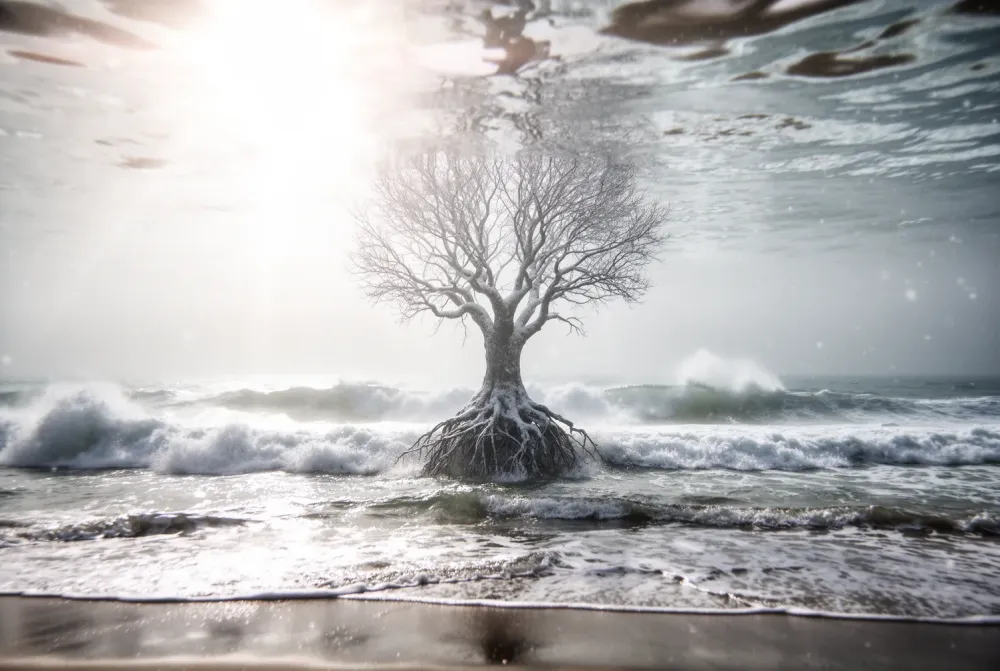
Use natural language
Write plain, descriptive sentences
Full sentences beat keyword lists. Describe the scene the way you’d describe it to a person, and let detail carry the mood.
At high noon on a blustery day, capture the surreal presence of a sentient tree, seemingly rooted underwater just off a tumultuous ocean shore.Text in images
Put words in quotation marks
To render specific words in the image, wrap them in quotation marks. That signals FLUX 3 to draw the text visually rather than treat it as a description of the scene.
A photorealistic still life of matchsticks arranged on a beige paper background, spelling out the word “FLUX”.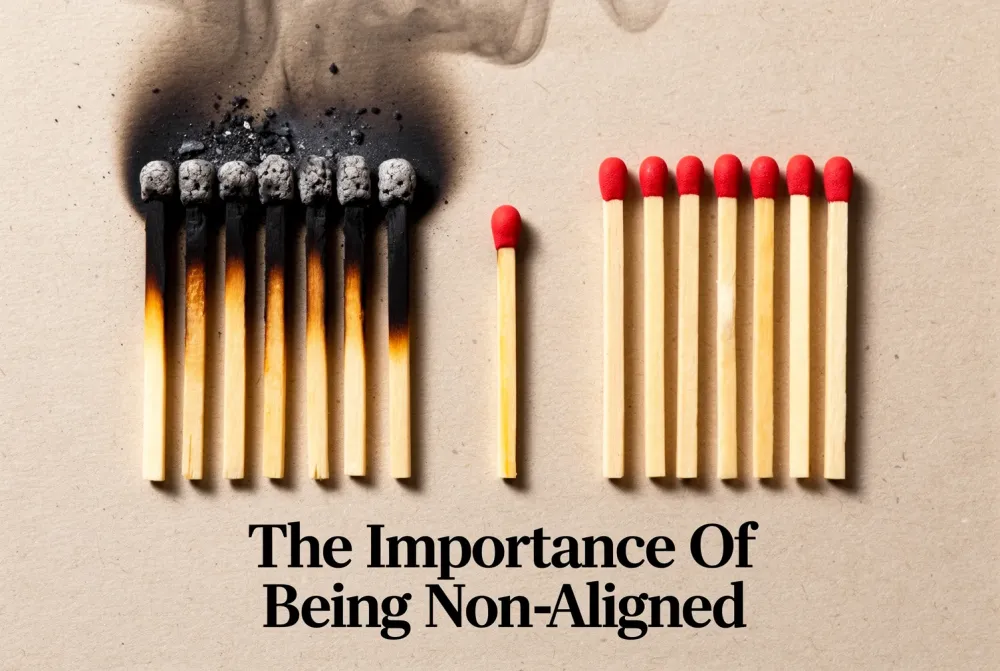
Refine as you go
Iterate one element at a time
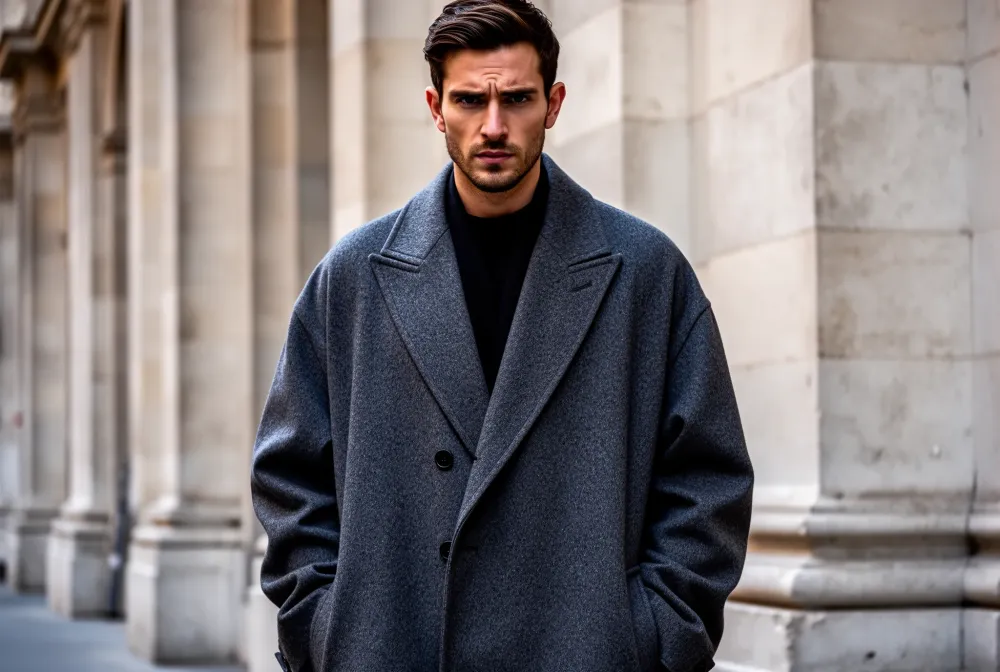
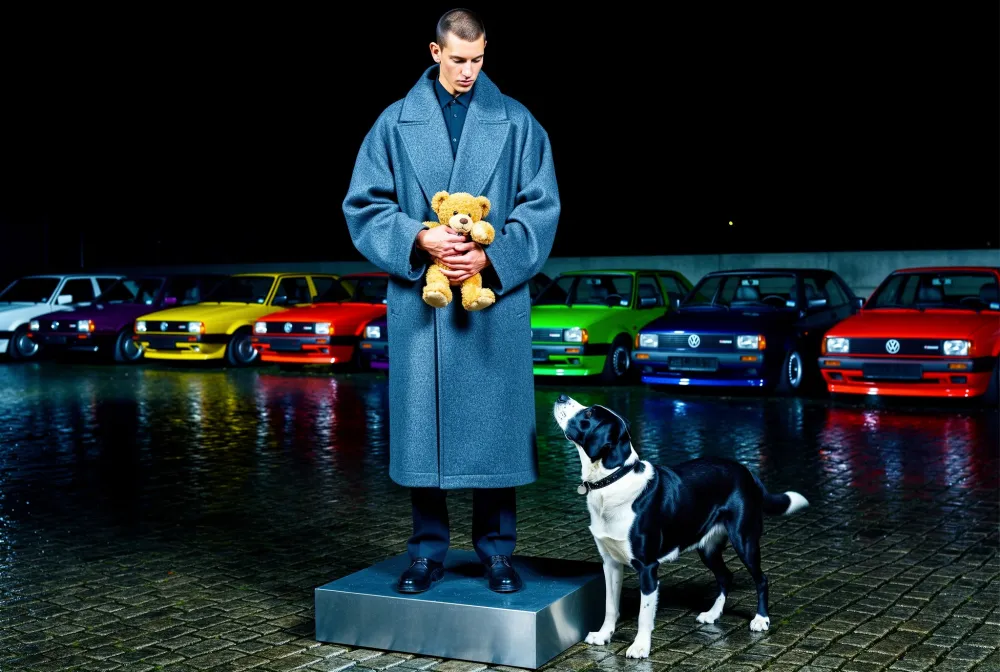
The fastest path to a great image is a loop, not a single perfect prompt. Start simple, look at the result, and change one thing.
Step 01
Start simple
Begin with the core subject in a single plain sentence. Don’t over-specify on the first pass.
Step 02
Evaluate
Look at what came back. Decide the one thing that would move the result closest to your intent.
Step 03
Adjust one element
Add or change a single detail — location, lighting, a prop, or a style — then generate again.
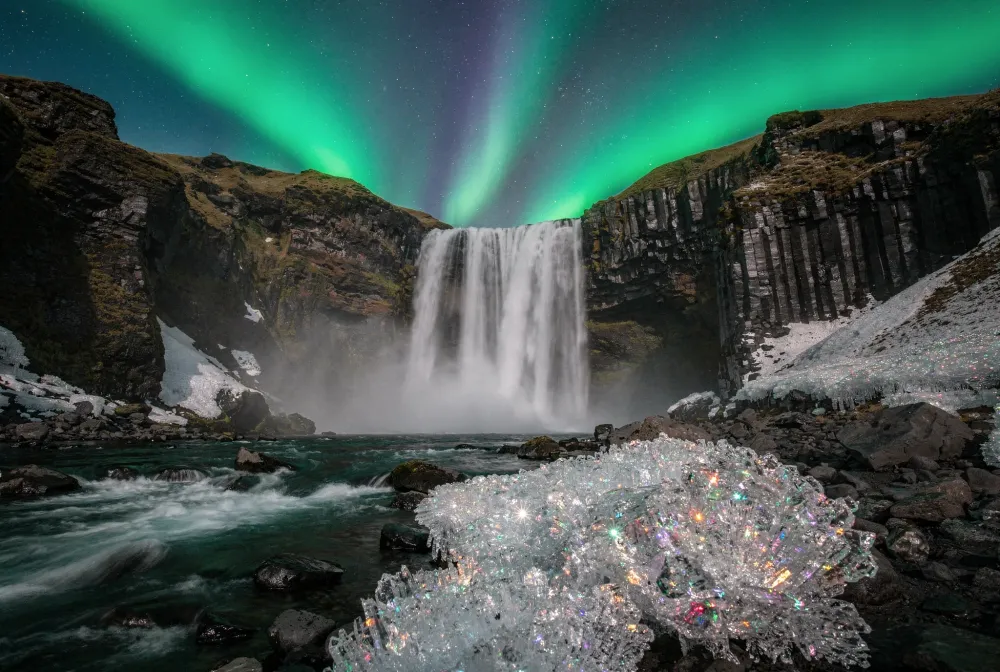
Start
After several passes
Multilingual prompting
Prompt in many languages
Try describing your scene in the language that best expresses your idea. Compare results and refine any ambiguous details; output quality can vary with the prompt and model.
Una bailaora de flamenco en pleno movimiento, vestido rojo girando, escenario en penumbra.Image input
Prompt with reference images
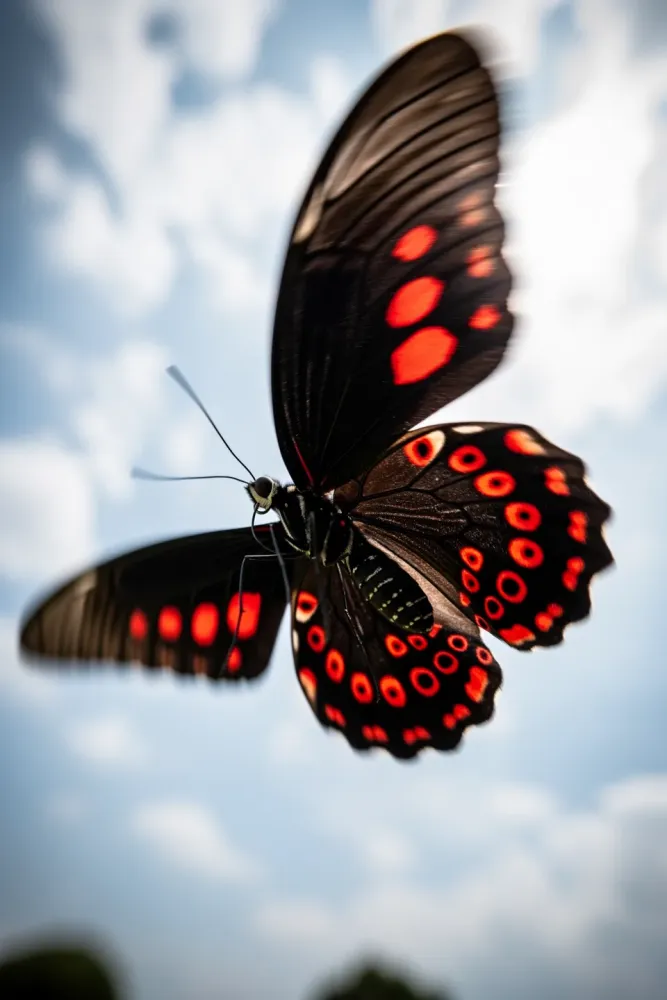
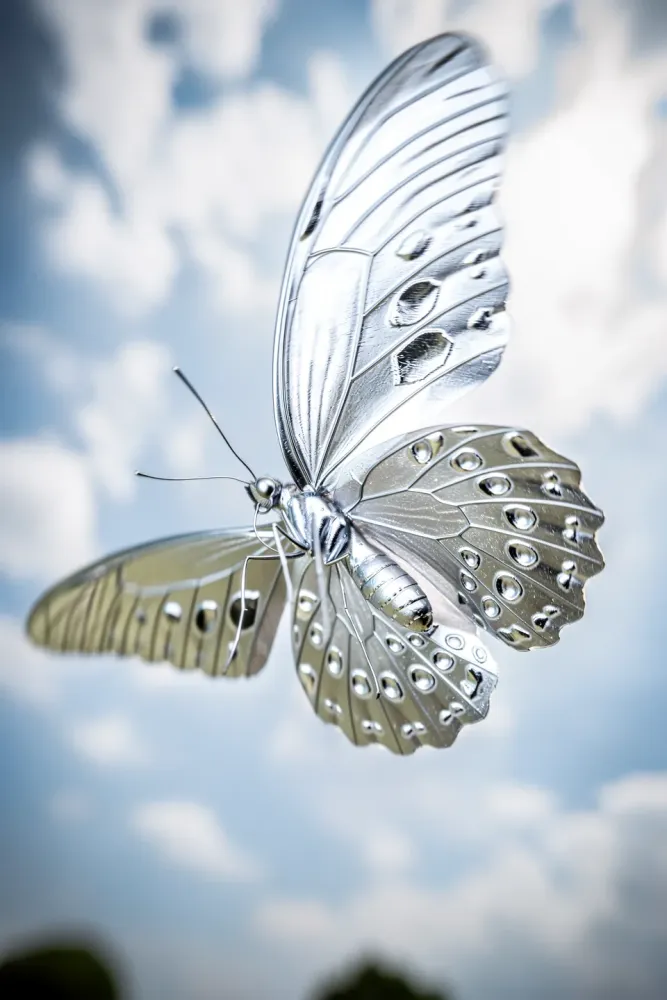
Upload up to 4 reference images in our studio and choose Image Edit. Describe what to change and what to preserve for style transfer, product edits or compositing. Review the result: exact preservation of every detail is not guaranteed.
The butterfly is now made of shiny silverInput
Result
Put it into practice
See what’s possible
Follow practical workflows for e-commerce product photos and advertising posters, or browse eighteen example prompts for generation and editing.
Explore use casesMake your next image with FLUX 3 Image
FLUX.3 Image, Klein and Klein Base are ready in the studio. Generate from a prompt or start editing with references today.
Start creating free