Available now · Generate & edit
FLUX 3 Image Generator & Editor
Generate product photos and posters from a prompt, or edit with reference images. Choose FLUX.3 Image, Klein or Klein Base, with output up to 4K and free monthly credits.
 Creative visual preview
Capabilities
Powerful creative tools
Three FLUX.3 model choices for generating new images and editing references.
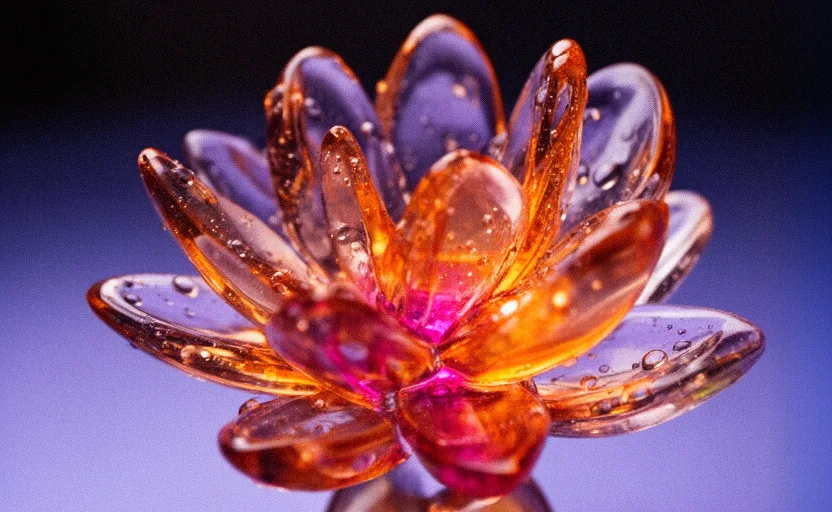
Text to image
Turn plain-language prompts into polished, high-resolution visuals.
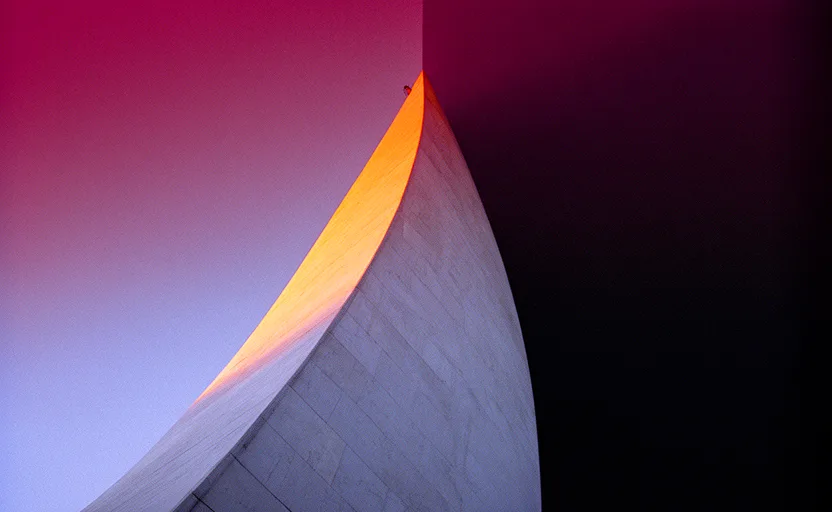
Reference image editing
Combine up to 4 reference images with a prompt in any FLUX.3 edit model.

Batch generation
Compare 1–4 outputs per request with Klein and Klein Base.
Workflows
Six practical ways to create with FLUX 3
Build a new visual from a prompt, or guide an edit with references. Choose a model and resolution to suit each iteration.
Prompt
Text-to-image
Describe your vision; FLUX 3 composes polished stills from plain language.
Reference
Reference-guided edits
Use up to 4 images to guide changes to subjects, layout, and palette.
Style
Style remix
Describe a new photoreal, editorial, or illustrated direction for your image.
Product
Product frames
Explore backgrounds, lighting, and compositions using product references.
Ratios
Social formats
Choose 1:1, 16:9, or 9:16 across the family; use FLUX.3 Image for 4:5.
Iterate
Compare variations
Try up to 4 Klein outputs per request and use seed controls for further exploration.
Control
Precise creative control
Choose the model, reference images, aspect ratio, and resolution before you generate. The studio shows the total credit cost for your settings so you can decide how to spend.
Resolution choices
Use 1K, 2K, or 4K; Klein also offers 768 and 1.5K.
Reference-guided edits
Add up to 4 images and describe what to change or preserve.
Klein batch & seed controls
Choose 1–4 outputs and an optional seed on Klein or Klein Base.
Choose your FLUX.3 model
Three ways to bring your ideas to life
Start with what you need: a standout visual, room to explore, or another pass on a promising idea.
FLUX.3 Image
Make the image that leads
Create the main visual for a landing page, campaign, or product story. FLUX.3 Image brings detailed composition and improved text rendering to work where the subject, message, and small details all matter.
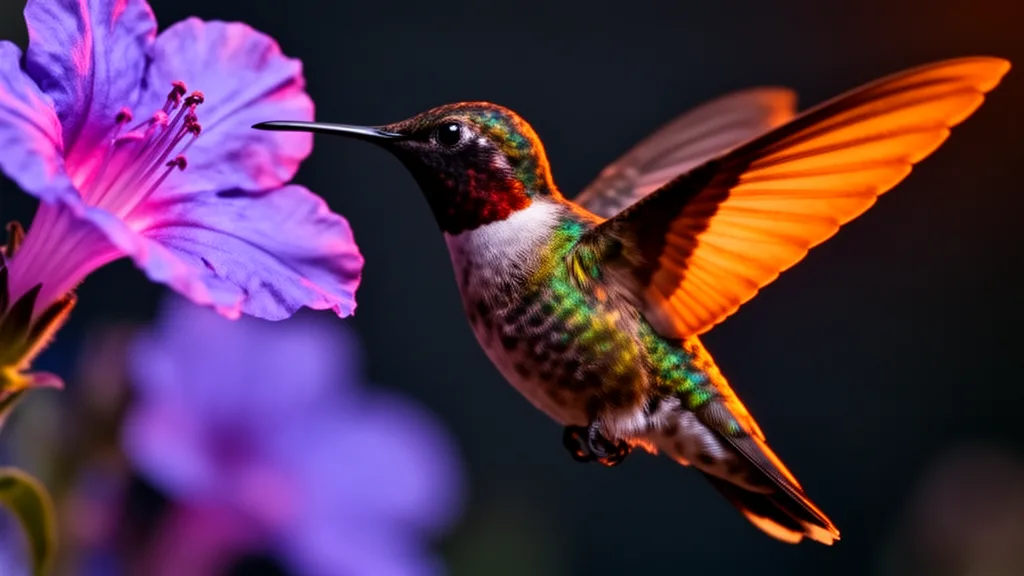
FLUX 3 Image Klein
Explore more, spend less
Still finding the look? Try different moods, styles, and compositions without spending your whole credit budget on one direction. FLUX 3 Image Klein is the lower-credit choice for comparing ideas and finding the one worth taking further.
FLUX.3 Klein Base
Give a good idea another pass
Found a direction you like? Revisit it with Klein Base, which uses a more extensive generation process than Klein. Explore a different take on the lighting, framing, or atmosphere, then compare it with your draft before choosing the image that fits your brief.
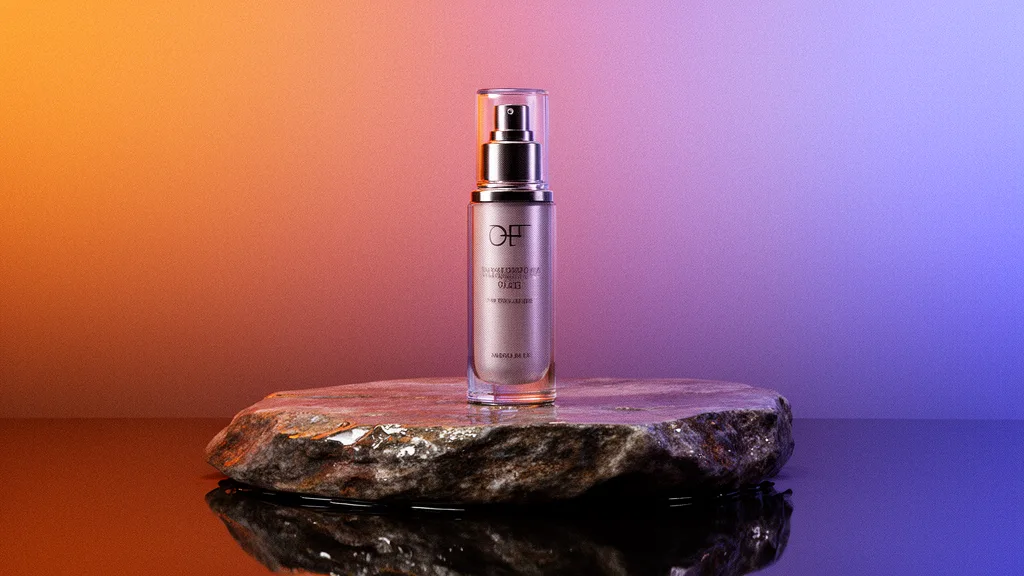
How it works
Create in three simple steps
Choose your model, set your budget, and create in the browser.
Step 01
Describe or upload
Write a prompt for a new image, or upload up to 4 references to start editing.
Step 02
Choose your settings
Select a FLUX.3 model, ratio, and resolution. Review the total credits before generating.
Step 03
Download & use
Review the result and download the returned image. Usage is subject to our terms and the selected model’s terms.
Browser studio
Your image workflow, without code
Create with the tools available today. Our browser studio supports FLUX.3 generation and editing; public developer API access is not available.
1. Choose FLUX.3 Image, Klein or Klein Base
2. Describe a new image, or add edit references
3. Set aspect ratio and resolution
4. Choose output count on Klein models
5. Review total credits and generate
6. Download your result
Pricing
Simple, credit-based pricing
Start free with 30 credits every month. Credits work across the expanded model catalog: FLUX, Recraft, Ideogram, Seedream, Qwen, Nano Banana, and GPT Image.
Free
30 credits / month
Get started- 30 credits / month (~3 Pro images)
- Expanded FLUX / Recraft / Ideogram / Seedream catalog
- Text-to-image & image editing
- Community support
Starter
500 credits / month
- 500 credits / month (~50 Pro images)
- Everything in Free
- Up to 4 reference images in Studio
- Commercial license where the selected model permits it
Creator
1,800 credits / month
- 1,800 credits / month (~180 Pro images)
- Everything in Starter
- Priority generation
- Outpaint / canvas expand
Pro
6,000 credits / month
- 6,000 credits / month (~600 Pro images)
- Everything in Creator
- Highest priority
- Email support
Credit packs
Need more? Top up anytime.
One-time purchases that never expire. Bigger packs include bonus credits.
500 credits
500 credits
1,100 credits
1,000 + 100 bonus
2,900 credits
2,500 + 400 bonus
6,200 credits
5,000 + 1,200 bonus
FAQ
Frequently asked questions
Is FLUX 3 Image available now?
Yes. FLUX.3 Image, FLUX.3 Klein and FLUX.3 Klein Base are available in our browser studio today, with both text-to-image and image-editing modes. Create an account to start with the free monthly credits. This service generates and edits still images, not videos.
How do FLUX.3 Image, Klein and Klein Base differ?
FLUX.3 Image returns one output per request at 1K, 2K or 4K and offers a broader selection of aspect ratios, including 4:5. Klein and Klein Base support 1–4 outputs, optional seeds, and 768, 1K, 1.5K, 2K and 4K tiers. Klein uses a 12-step configuration; Klein Base uses a 50-step default configuration. All three have editing variants.
How many credits does FLUX.3 generation or editing cost?
The 1K base cost per image is 15 credits for FLUX.3 Image, 3 for Klein, and 9 for Klein Base, for generation or editing. Apply the resolution multiplier: 768 and 1K ×1, 1.5K ×1.5, 2K ×2, and 4K ×4. Round up each image’s cost to a whole credit, then multiply by the number of outputs. For example, three Klein images at 1.5K cost ceil(3 × 1.5) × 3 = 15 credits; one FLUX.3 Image at 4K costs 60 credits. The studio displays the total before you generate.
How many reference images can I use?
The studio upload control currently accepts up to 4 reference images. The underlying FLUX.3 Image Edit, Klein Edit and Klein Base Edit interfaces support up to 10, but that larger limit is not exposed in the studio yet. Upload your references and describe the desired changes; exact preservation of every detail is not guaranteed.
What resolutions and aspect ratios are supported?
FLUX.3 Image supports 1K, 2K and 4K tiers with ratios including 1:1, 4:5, 16:9 and 9:16. Klein and Klein Base add 768 and 1.5K tiers and support 1:1, 3:4, 4:3, 9:16 and 16:9. Klein dimensions are capped at 4096 pixels per side, so exact dimensions depend on the ratio. Resolution is a model setting, not a paid-plan-only 4K feature.
What output image formats are available?
Download the image returned by the selected model: FLUX.3 Image defaults to JPEG, while Klein and Klein Base default to PNG. The studio does not expose an output-format selector or TIFF export.
How long does image generation take?
Timing varies with the model, output count, resolution and provider load. Higher-resolution requests, especially 4K, can take longer. We do not promise a fixed generation time or plan-based priority processing.
Is FLUX 3 Image the official Black Forest Labs site?
No. FLUX 3 Image is an independent third-party platform, not affiliated with, endorsed by, or sponsored by Black Forest Labs. We provide a browser interface for the models offered in our studio.
Can I use generated images commercially?
Usage rights depend on the selected model’s applicable terms and our Terms of Service. Review those terms for your intended use; a subscription alone does not provide a blanket guarantee of ownership, clearance or commercial rights.
Do you offer a public developer API?
No. Public developer API access is not available. Use the browser studio to generate and edit images; no API or video launch date is announced here.
Make your next image with FLUX 3 Image
FLUX.3 Image, Klein and Klein Base are ready in the studio. Generate from a prompt or start editing with references today.
Start creating free